
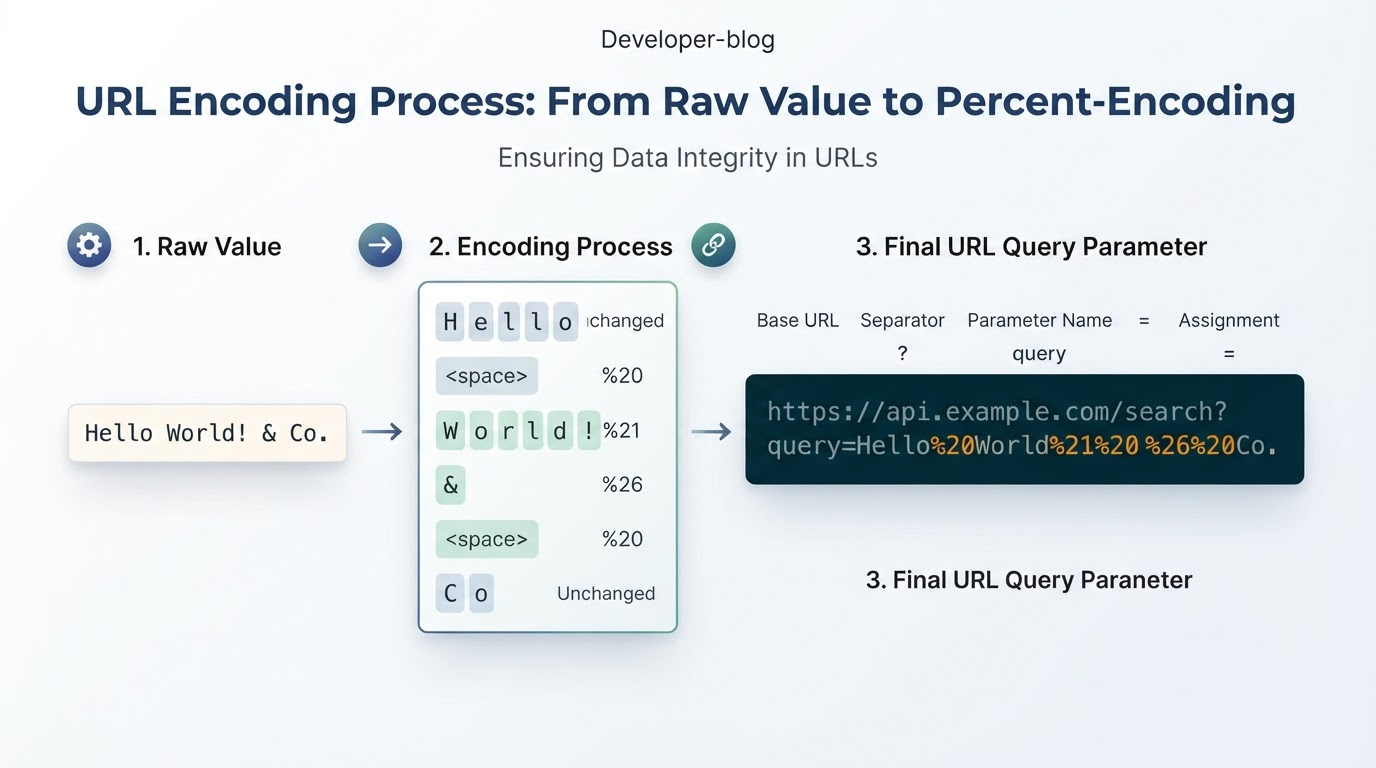
URL encoding, more precisely called percent-encoding, represents characters and bytes in a form that URL parsers can interpret consistently. Encoded bytes are written with a percent sign followed by two hexadecimal digits, such as %20 for a space.
The key rule is simple: identify the URL component you are filling, encode the dynamic value for that component, and then assemble or serialize the URL. Do not apply a component encoder to an already assembled URL. A complete URL, path segment, query parameter, fragment, and form submission can follow different rules.
URL encoding reduces ambiguity during parsing. It is not encryption, validation, authentication, or a privacy control. This guide explains how percent-encoding works, how to handle query parameters and path segments, how JavaScript APIs differ, and how to avoid common issues involving plus signs, Unicode, malformed input, and double-encoding.
Quick Answer: How URL Encoding Works
Use the encoder that matches the data you are placing in the URL:
- Query parameter value or path segment: use component encoding, such as JavaScript's encodeURIComponent().
- Multiple query parameters: use URLSearchParams or another structured URL API.
- Form-style data: use application/x-www-form-urlencoded rules, where spaces commonly become +.
- Complete URL: parse and serialize it with a URL-aware API rather than blindly applying a component encoder.
- Already encoded value: do not encode it again unless a separate layer specifically requires that.
A practical workflow is:
- Parse or identify the URL structure.
- Keep delimiters such as ?, &, and = separate from dynamic data.
- Encode the value for its specific component.
- Serialize the URL with a structured API or careful assembly.
- Test the result with realistic but non-sensitive values.
What Is URL Encoding?
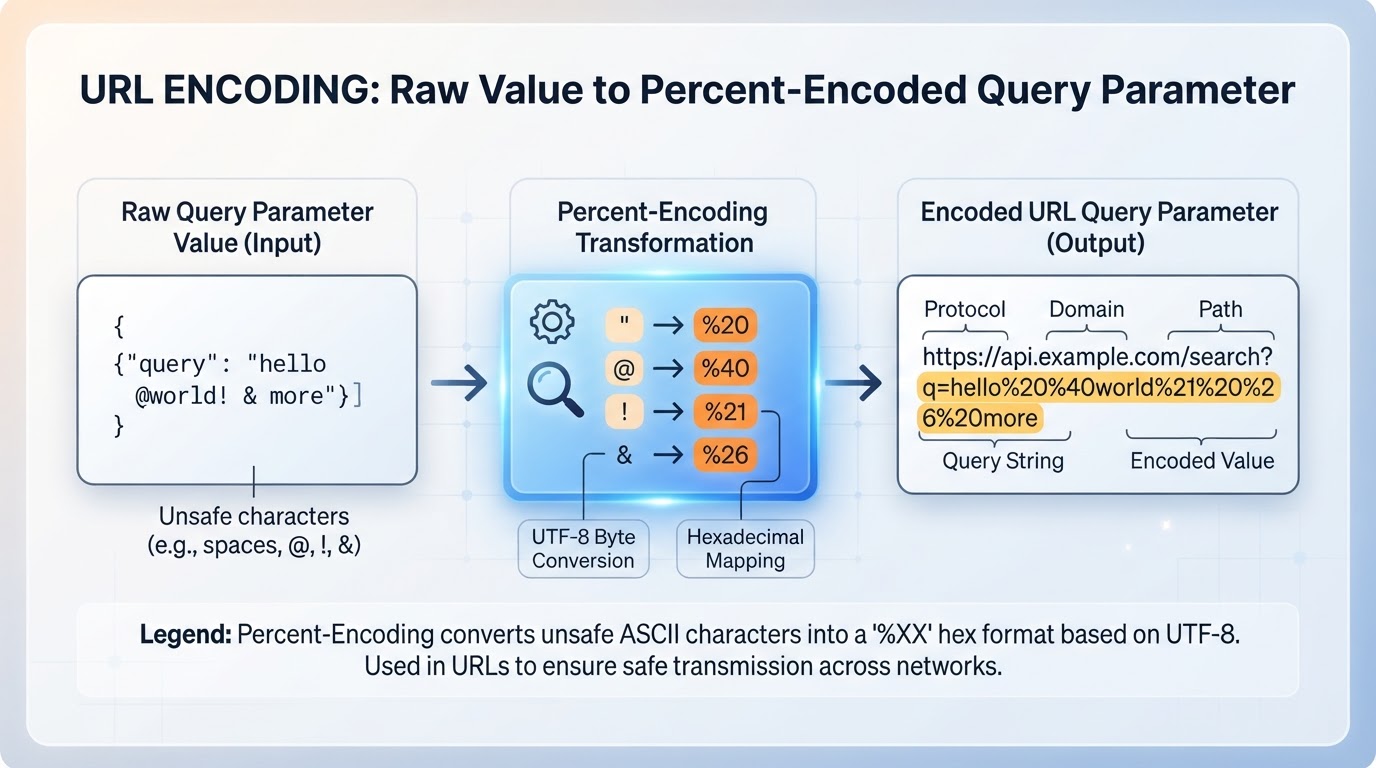
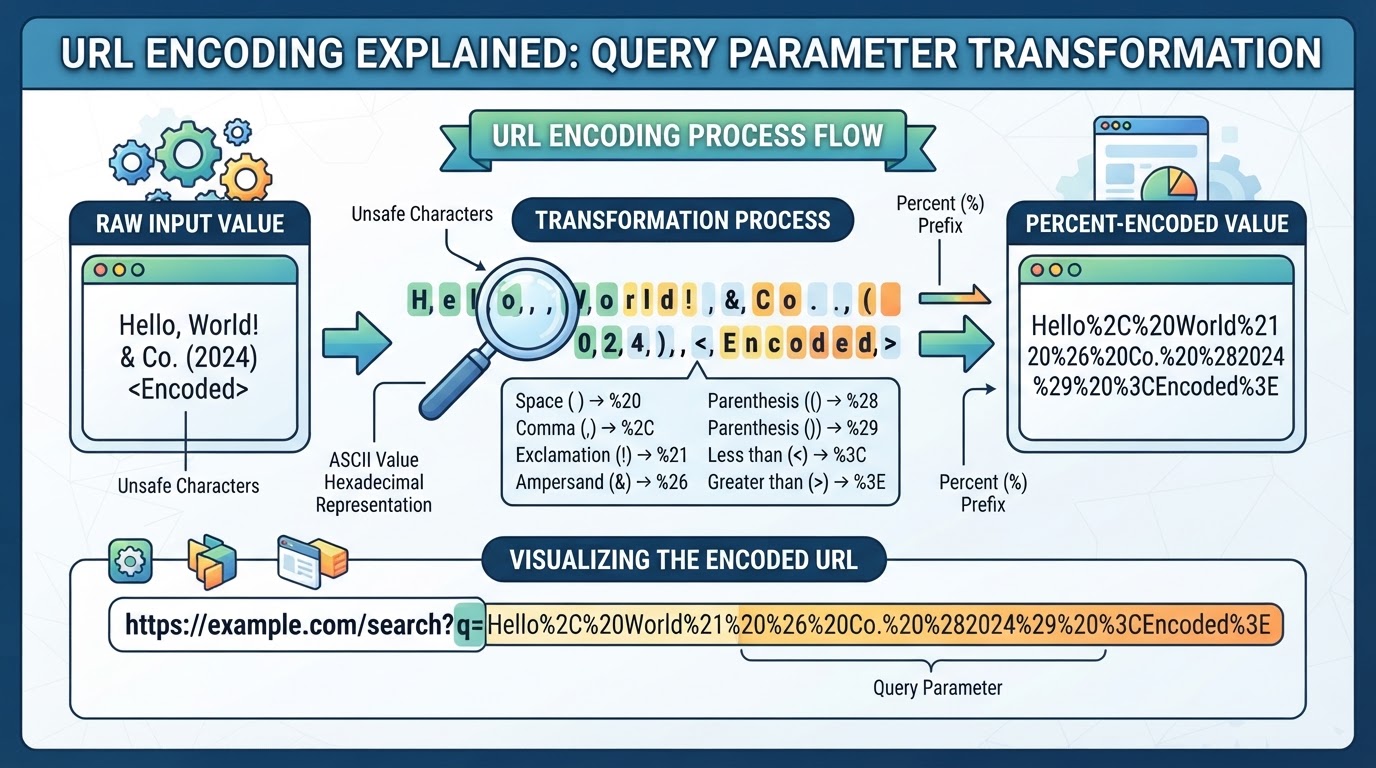
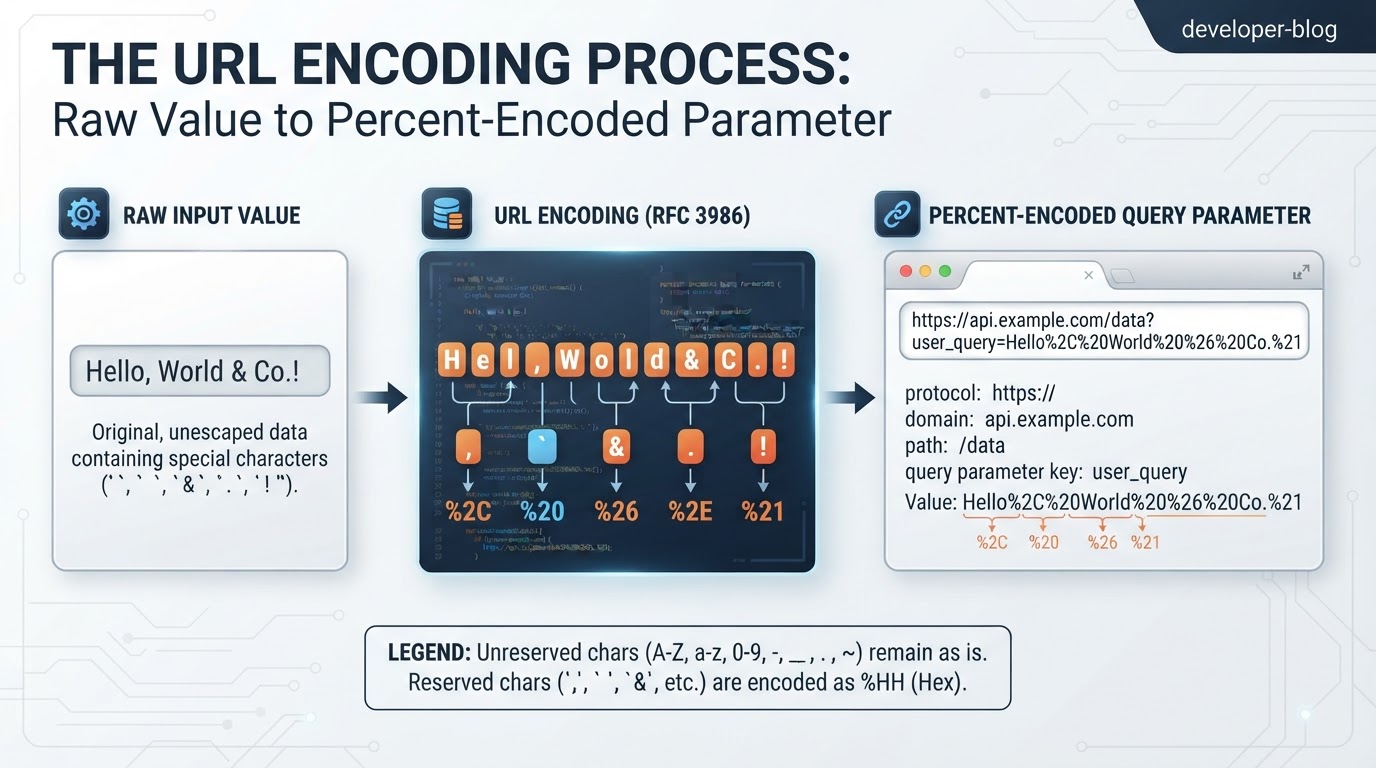
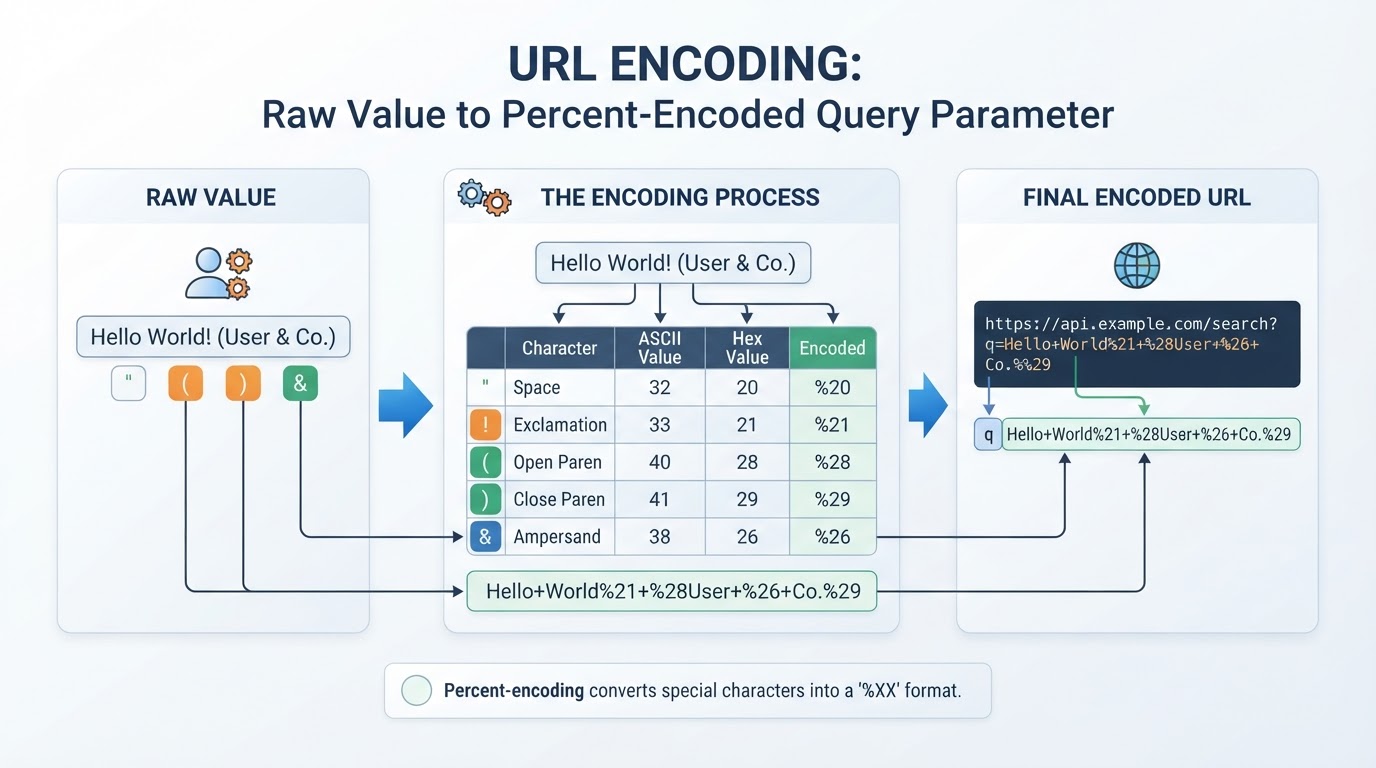
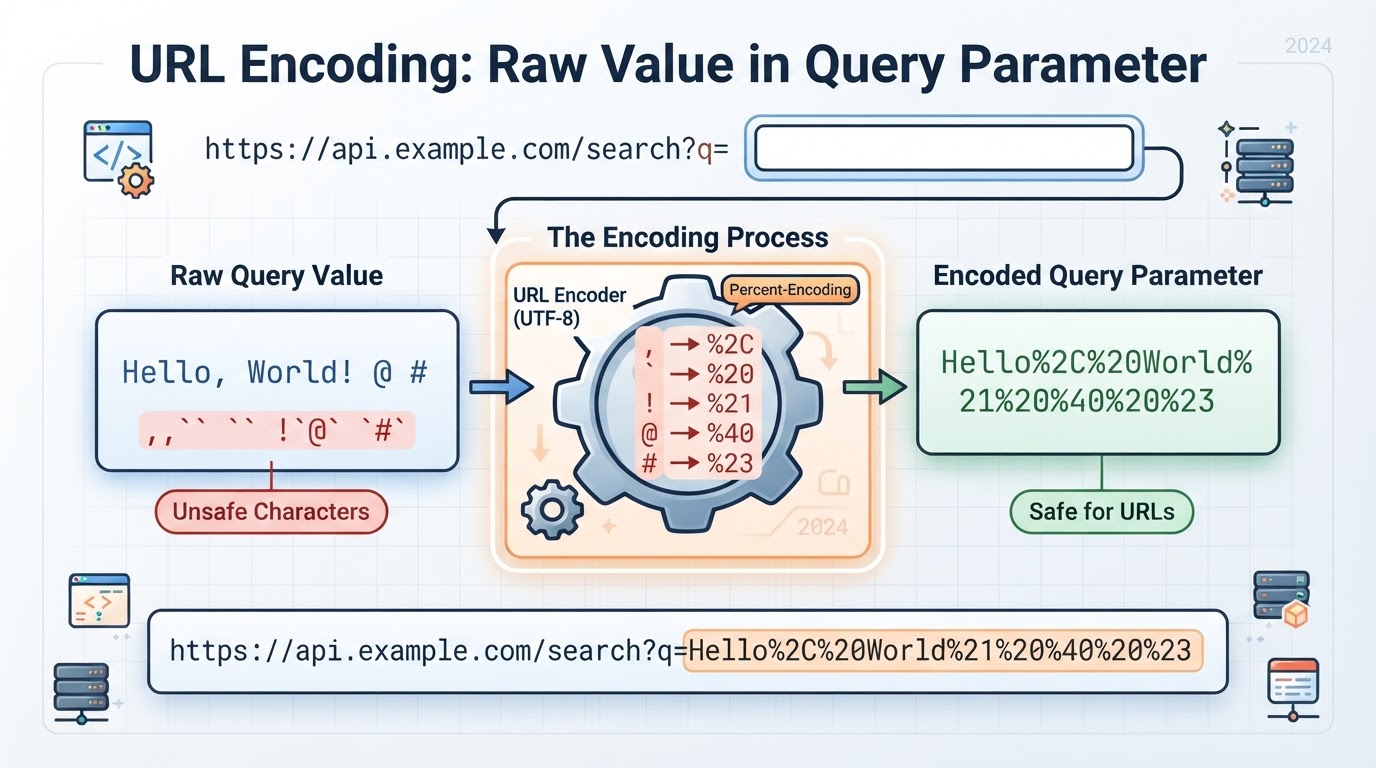
URL encoding is the common name for percent-encoding. A percent-encoded byte is represented by % followed by two hexadecimal digits. For example, a space can be written as %20, an ampersand as %26, and a literal percent sign as %25.
For non-ASCII text, URL components are normally converted to UTF-8 bytes before those bytes are percent-encoded. In UTF-8, é becomes %C3%A9 and 😀 becomes %F0%9F%98%80. These examples apply to components such as paths, queries, and fragments. Hostnames follow different internationalization rules.
How to Encode Query Parameters, Paths, and Nested URLs
Encode dynamic values before inserting them into a URL. Preserve delimiters that belong to the surrounding structure, and encode delimiters that belong to the value.
How to Encode and Decode URLs Online
Online encoders and decoders can help inspect transformations and troubleshoot parsing problems, but the correct workflow depends on the tool's actual behavior. Do not assume that every service supports separate complete-URL, component, and form-data modes.
Before using an online service, avoid submitting passwords, API keys, session tokens, private identifiers, confidential destinations, or other sensitive URL data. Redact secrets and use synthetic test values whenever possible. If a file or value must remain confidential, use a trusted local process when appropriate and verify how that software handles the data.
URL Encoding in JavaScript
JavaScript provides component functions and structured URL APIs. Prefer structured construction when working with several URL parts or repeated query parameters.
%20 vs. +: How Spaces Differ
%20 is the percent-encoded representation of a space byte. In application/x-www-form-urlencoded data, a plus sign commonly represents a space. These rules are not interchangeable in every URL context.
In many ordinary URL contexts, + is a literal plus sign. In form-style data, a literal plus sign must be written as %2B so it is not interpreted as a space.
Common URL Encoding Mistakes
Most errors occur when a complete URL and a component value are treated as the same type of input.
URL Encoding, Security, and Privacy
Percent-encoding is reversible representation. It does not encrypt data, authenticate a request, grant authorization, validate a destination, or prevent disclosure.
HTTPS provides confidentiality and integrity for the connection between endpoints under normal TLS and certificate assumptions. It does not prevent URLs from appearing in browser history, server logs, proxy logs, analytics systems, referrers, screenshots, or endpoint records.
If data is sensitive or lengthy, a request body can reduce some URL-specific exposure, especially in browser history, bookmarks, and referrer data. It is not a confidentiality guarantee: application infrastructure, monitoring systems, backups, and logs may still record request bodies.
What URL Encoding Cannot Fix
Encoding cannot repair an invalid URL, create a valid hostname, fix an incorrect scheme, guarantee server acceptance, or make a destination trustworthy. Frameworks and infrastructure may normalize, decode, reject, or reinterpret encoded data.
URL encoding is also different from Base64, HTML escaping, JSON escaping, and encryption. Each transformation serves a different purpose and must be used in the correct context.
Conclusion
URL encoding works best when you treat each URL component separately. Encode dynamic values before inserting them, preserve delimiters that belong to the URL structure, and use structured APIs such as URL and URLSearchParams when building complex URLs.
Use %20 or + according to the target serialization format, encode literal plus signs as %2B when necessary, and avoid double-encoding existing percent escapes. Test Unicode text, reserved characters, nested URLs, repeated parameters, and malformed input with non-sensitive data. Remember that percent-encoding improves representation and parsing; it does not provide encryption, validation, or privacy.